QuiltM8
Quilt maths that is exact, works with no signal, and does not want an account.
Binding length, backing yardage, how many 5″ squares a fat quarter really gives you — answered in the fractions you cut in, with the working shown so you can check it against your own.
Works offline·no account·one-time purchase
What it works out
26 of its 31 calculators are free — all of them, forever, by machine-checked promise. The paid packs are the work around the answer. Six of the free ones run right here on this site:
Try it here — this is the real engine
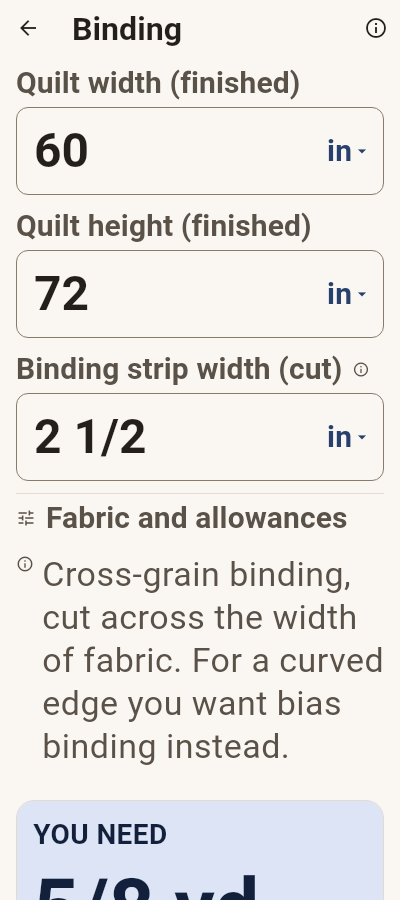
This is the app's own arithmetic, running in your browser. Type your quilt's size and watch the answer change; open Show the maths to see every step that produced it.
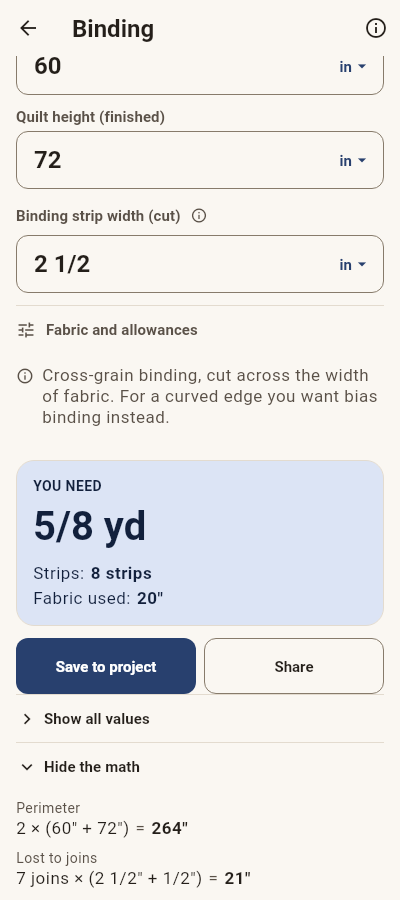
Perimeter: 264" · Cut in total, joins included: 295" · Joins: 7 joins · Lost per join: 3" · Lost to joins: 21" · Usable binding after joins: 299"
Show the maths
| 1 | Perimeter — 2 × (60" + 72") | 264" |
| 2 | Lost to joins — 7 joins × (2 1/2" + 1/2") | 21" |
| 3 | Binding needed — 264" + 10" (corners) + 21" (joins) | 295" |
| 4 | Strips — 295" ÷ 40" = 7 3/8 → round up | 8 |
| 5 | Fabric used — 8 × 2 1/2" | 20" |
| 6 | Fabric to buy — 20" → round up to the next 1/8 yd | 5/8 yd |
Cross-grain binding, cut across the width of fabric. Every join costs a strip width plus two seam allowances, and each extra strip adds a join.
The fat-quarter trap
A fat quarter and a quarter yard of the same fabric hold the same area. Cut 5″ charm squares from each and they stop being equal — whole pieces are what you sew with, and whole pieces are what QuiltM8 counts. Both grids below are computed, not drawn.
Fat quarter · 18″ × 21″
12 piecesQuarter yard · 9″ × 40″ usable
8 piecesSame fabric, same square: 50% more usable pieces from the fat quarter — which is why a per-yard price comparison misleads, and why the app compares cost per usable piece instead. Step the patch size yourself →
On the phone
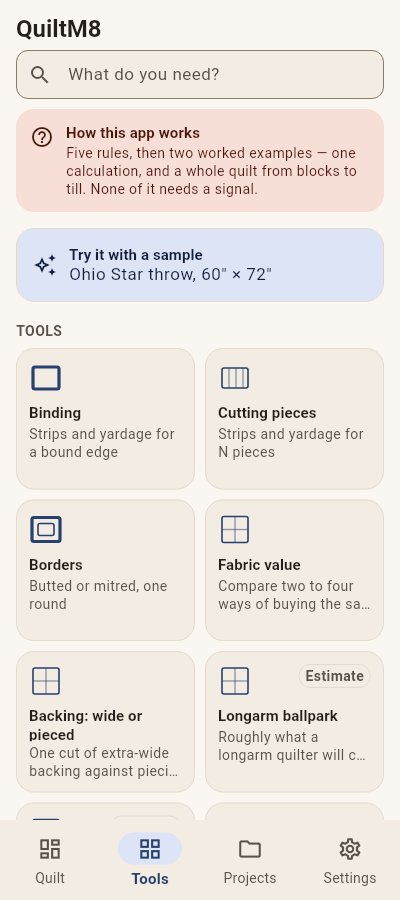
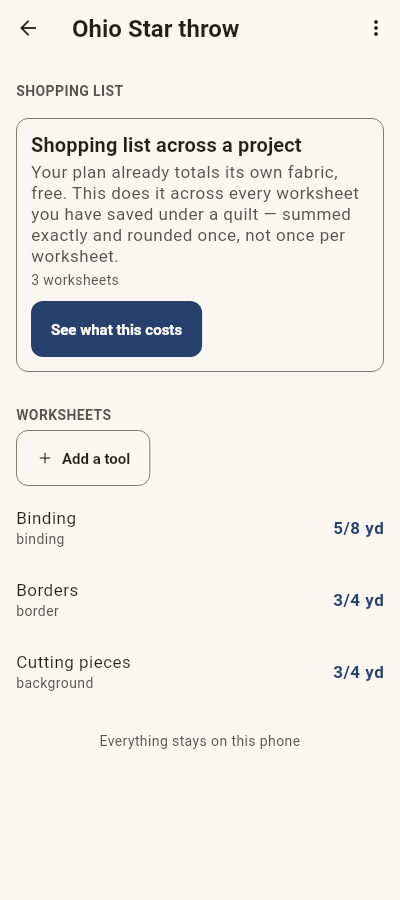
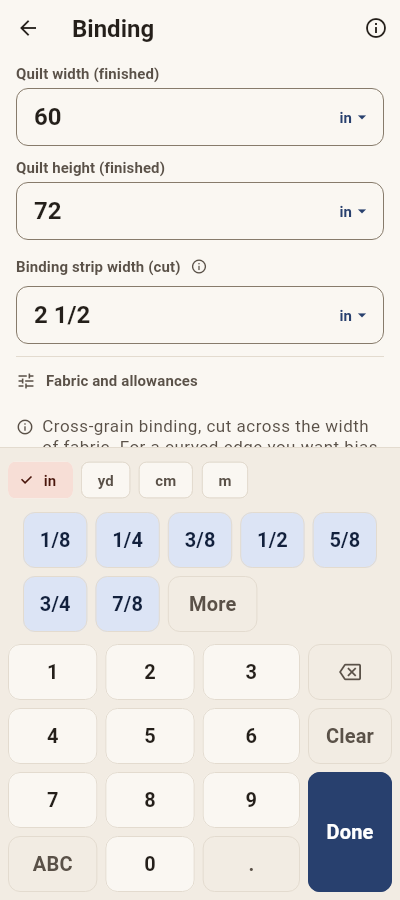
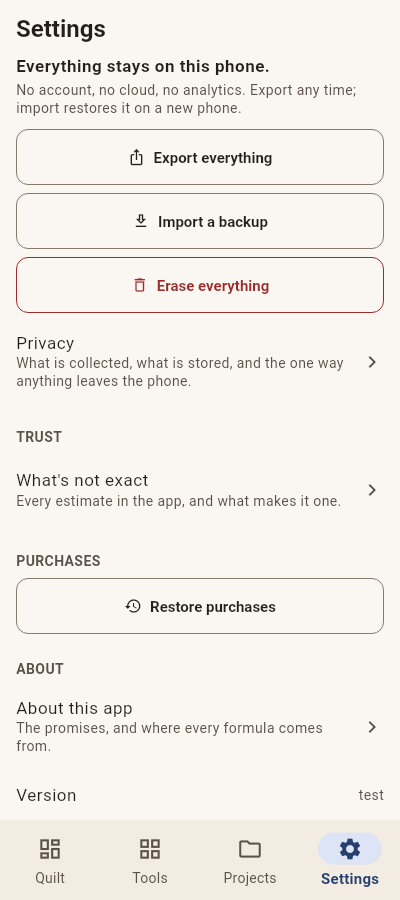
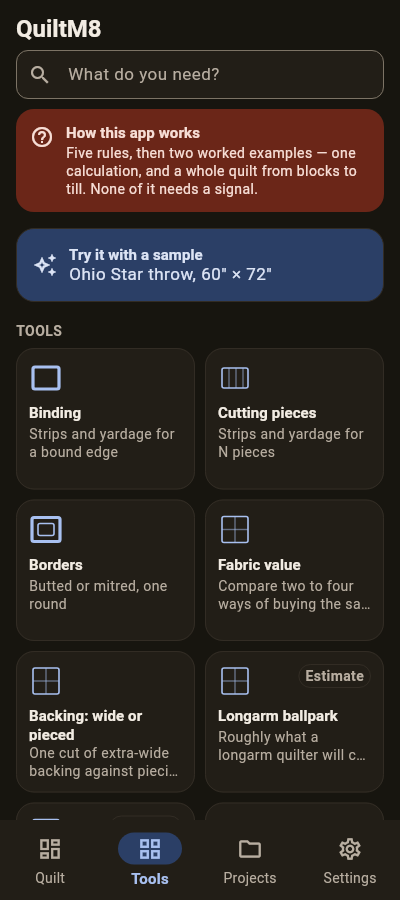
These are the real screens, at the text sizes people actually use — not tidied-up drawings of them.
Why the numbers are worth trusting
Every sum is worked out twice by different hands, and the two are compared against 6749 worked examples before any release goes out. Where an answer depends on something we cannot know — your shop's prices, your cotton's weight — it says so on the screen where you read it, rather than guessing. And every formula names where it came from: 69 published sources, readable without paying for anything.
What it asks of your phone
Nothing that isn't yours to give. There is no account and no sign-in; no analytics, no advertising and no crash reporting, so nobody is told which tools you open. It does not use your camera, location, contacts or microphone. Everything is worked out on the phone, and nothing you type leaves it. When you buy a pack the payment runs through the Google Play app already on your device — we never see your card, your name or your address. Your projects stay a file you can export whenever you like.
What it costs
Nothing you need to answer a question. 26 of the 31 calculators are free forever, and so are saving, searching and export. The Project Pack (€7.99) keeps a whole quilt together — one shopping list, rounded once, and a cut sheet you can pin above the table. The Business Pack (€4.99) is for quilters who sell. Both together, €9.99, once. There is no subscription and there never will be.
Email us to hear when it ships — that reaches a person, not list software, and we keep nothing else.
Questions quilters ask
What can QuiltM8 work out?
26 free calculators: binding, backing, borders (butted or mitred), half-square and quarter-square triangles, flying geese, square-in-a-square, on-point setting, sashing and layout, bed sizes with drop, what a precut really yields, block resizing, batting, bias binding, spacers, strip rolls, a seam-allowance check — and the money questions: what a precut costs per usable square, wide backing against piecing, a longarm ballpark, postage weight — plus kitting a whole quilt from a block recipe, and the patchwork units chart. Five more come with the paid packs: pricing your work, project costs, stash value, time, and the full longarm quote.
Does it think in quilters’ fractions?
Yes — exactly. The arithmetic is exact fraction arithmetic, answers come back in the eighths and sixteenths you cut in, and the keypad has a fraction row. Typing works too: it reads 2 1/2, 2-1/2, 2½, 2.5 and 2,5.
Does it keep cut size and finished size straight?
Yes — every field says which one it means, every time. A 6″ finished half-square triangle is cut at 6 7/8″ and trimmed to 6 1/2″; the app tells you all three so you never hold them in your head.
Which way does it round?
The safe way, always: fabric and cut sizes round up (a little too much is a scrap; a little too little is a ruined cut), counts round the way that never promises a piece that isn’t there, and a shopping list is rounded once, on the total.